
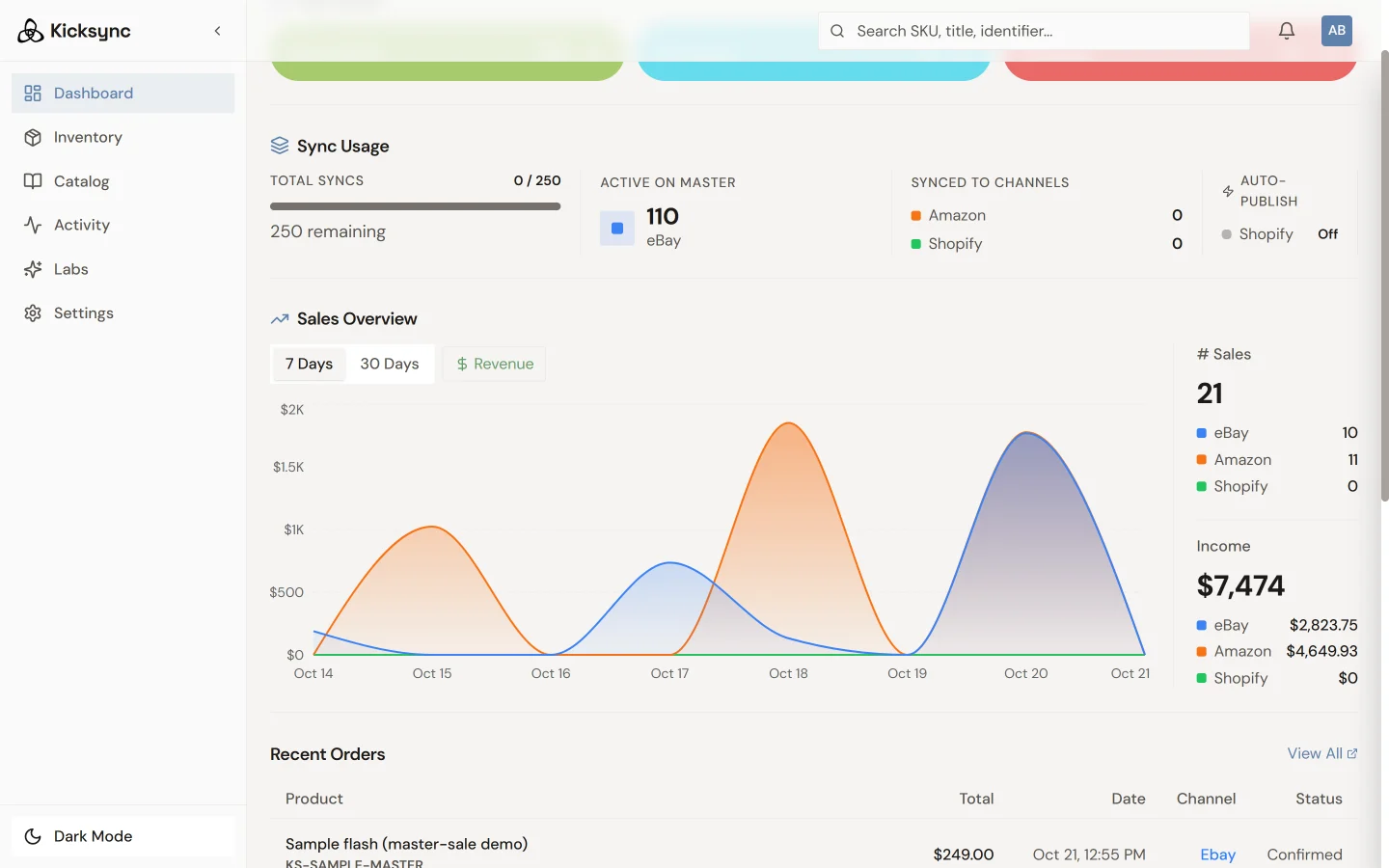
How KickSync works
Pick your master channel, turn on Auto-Publish, and keep selling where you sell today. KickSync does the listing and the syncing.
Start your 30-day trialNo charge for 30 days. Cancel anytime.Connect your master channel
Connect eBay or Amazon and your listings come in automatically. That’s your master channel, and you keep selling there as you do today.
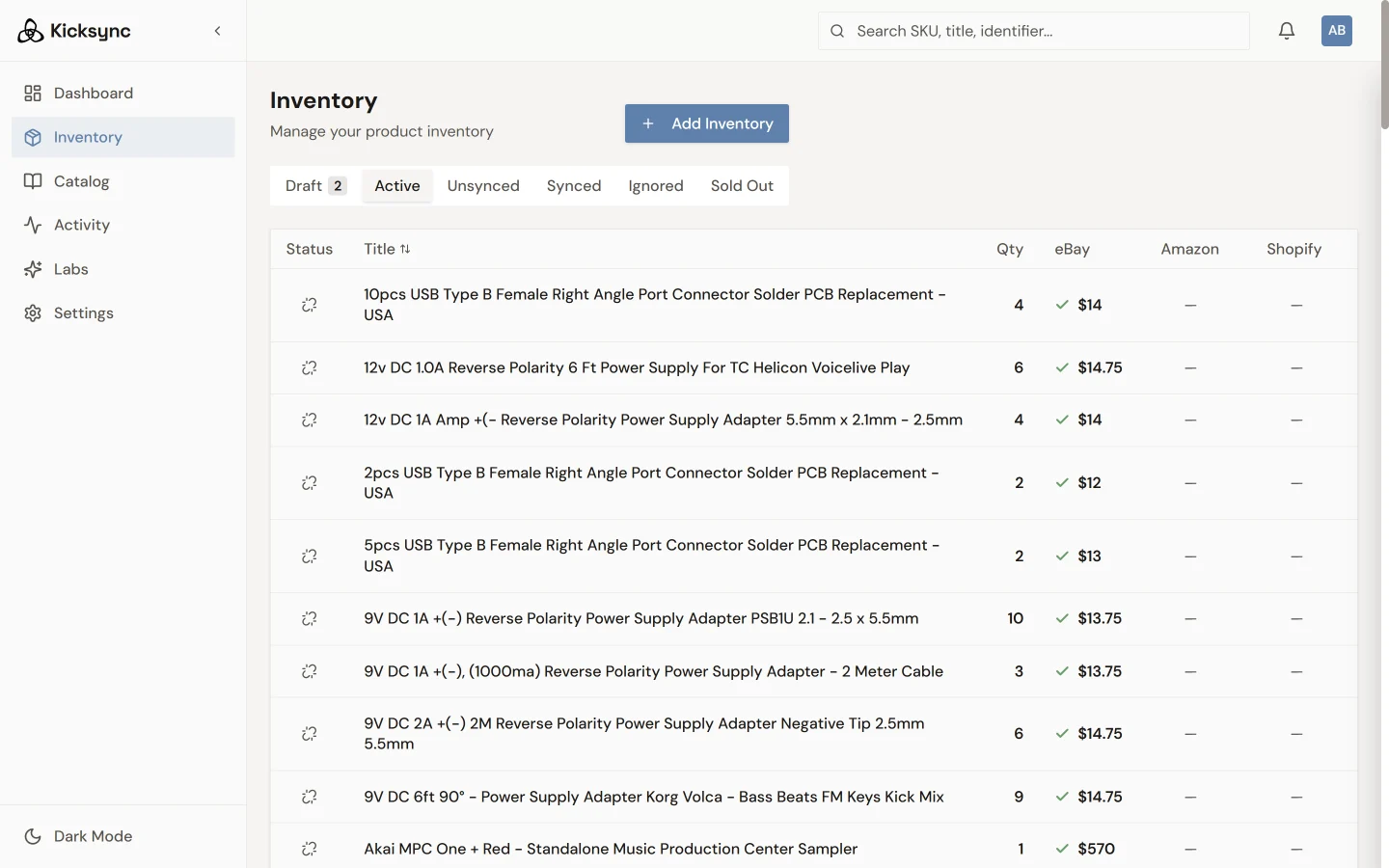
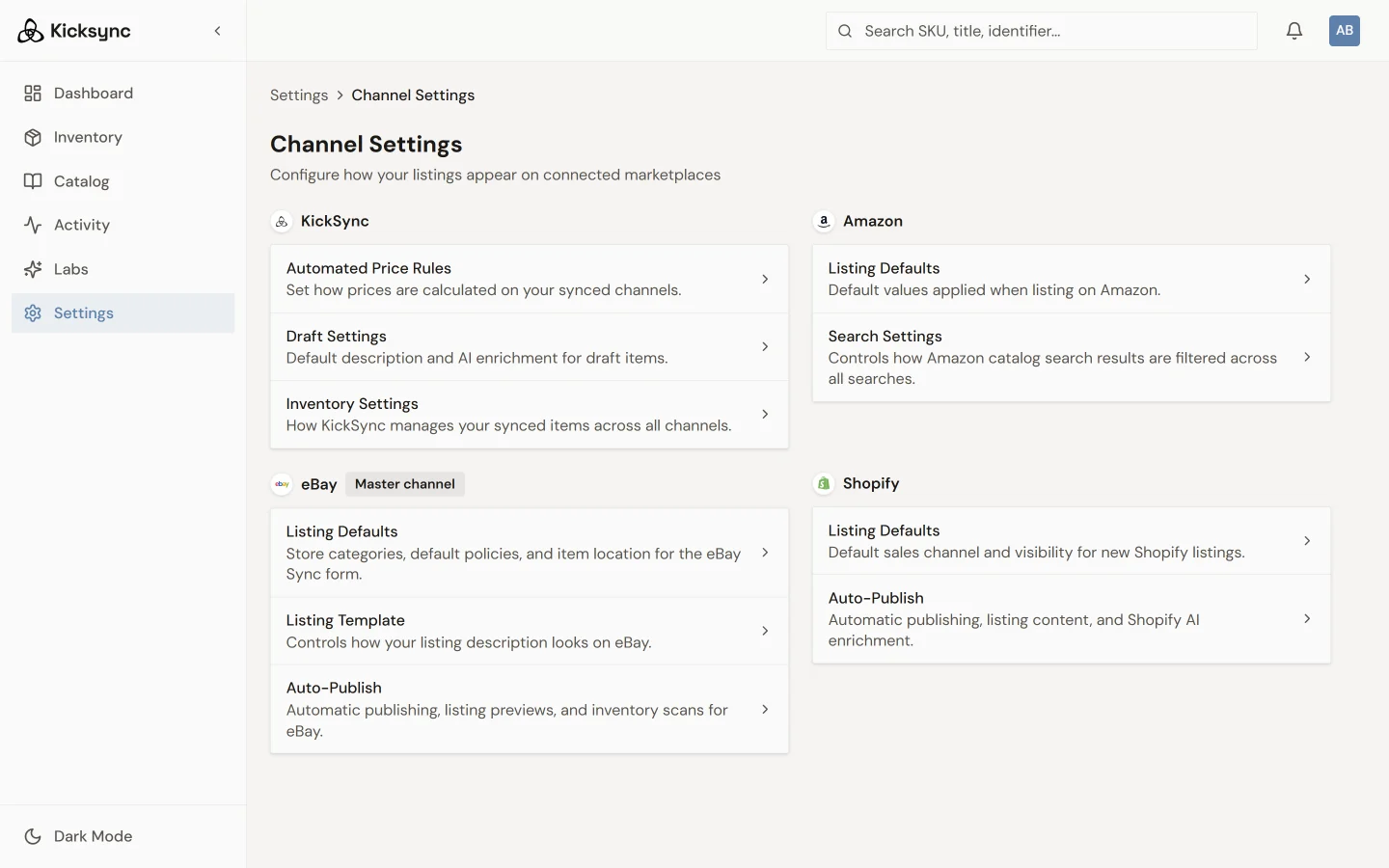
Turn on Auto-Publish
Pick the channels you want. Turn on Auto-Publish and KickSync lists your items there, with your photos, prices, and quantities.
Sell it anywhere
Price, quantity, and photos stay in sync. When something sells, your other channels update in minutes, not hours, which means fewer oversells.
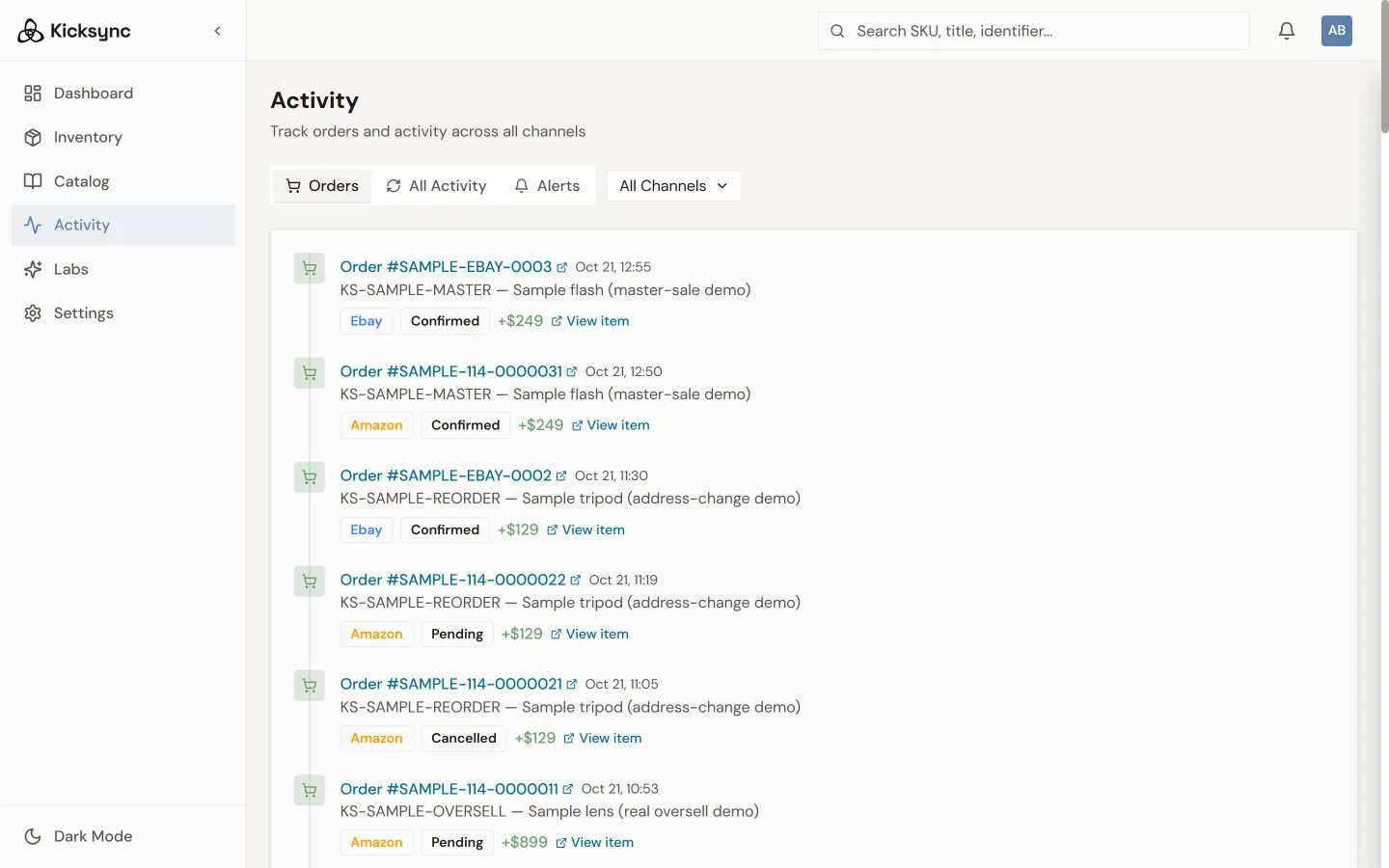
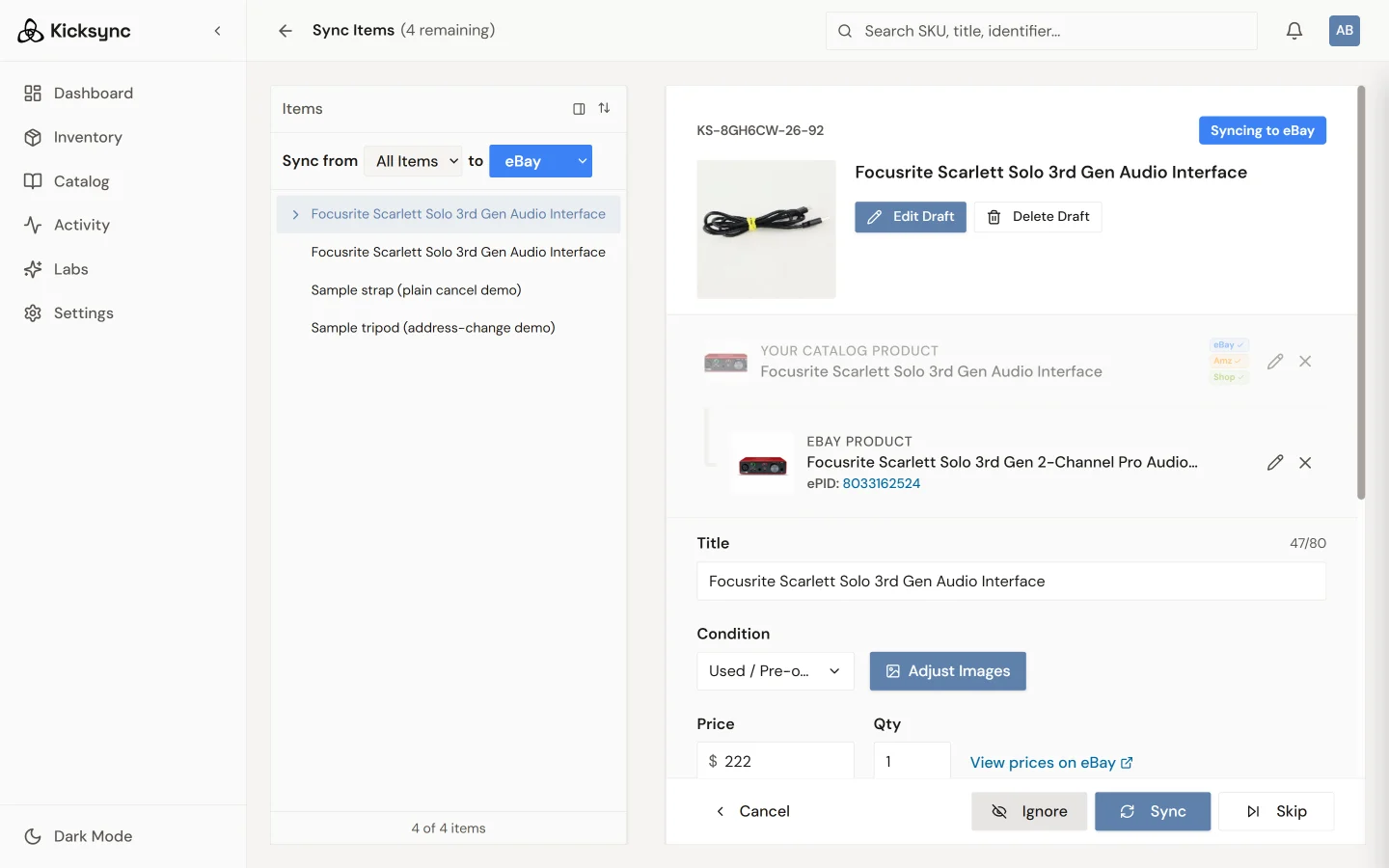
Fix it once
Anything that can’t sync automatically lands in one place. Fix it once and it stays fixed.
Found on Google
Your items go to Shopify with the product data Google Shopping needs: brand, UPC, Google category, color, material, and more. That’s what lets buyers find them on Google.
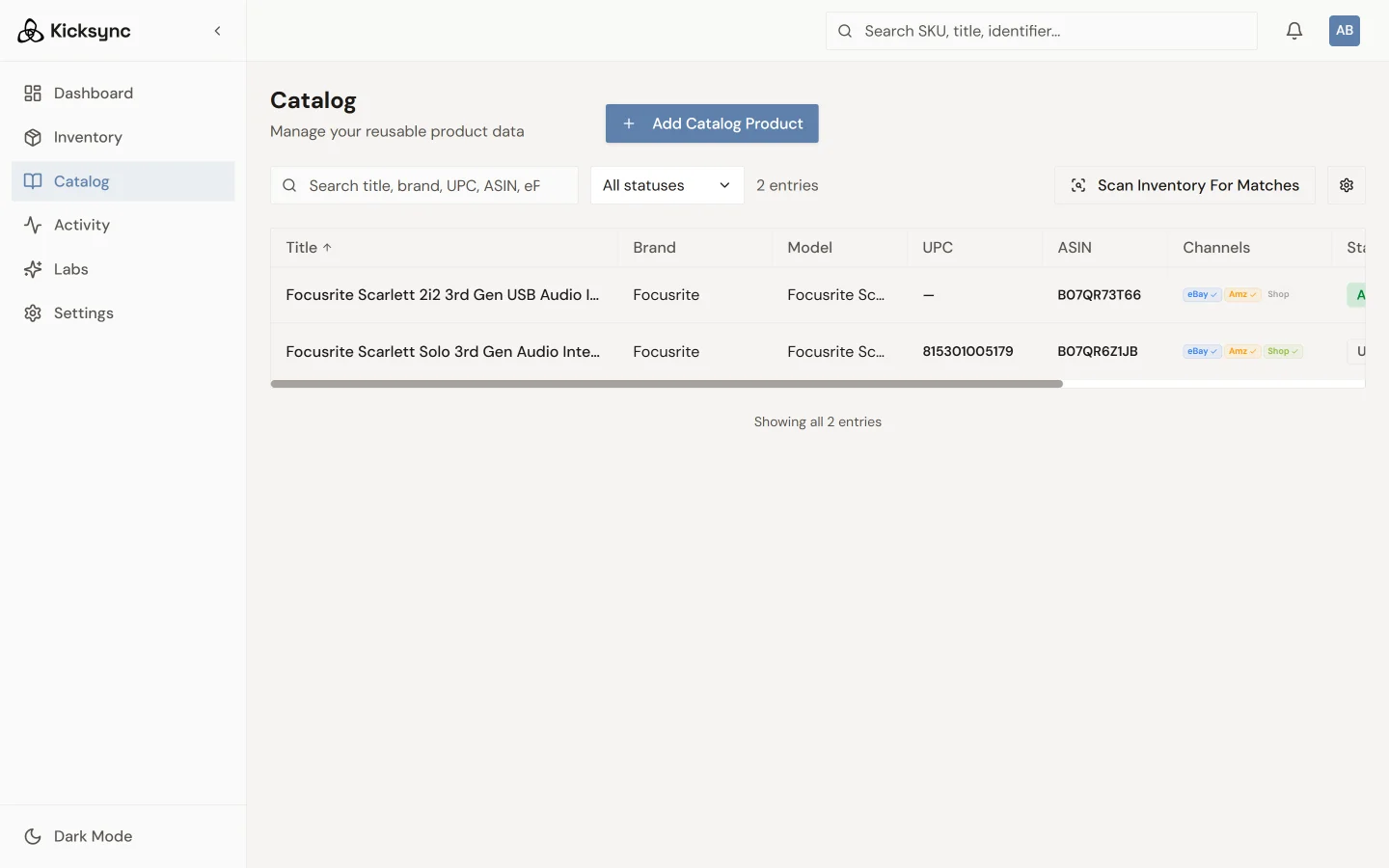
Amazon, the Amazon way
Amazon is a catalog marketplace. On Amazon, KickSync matches your items to Amazon’s catalog and never creates new products. Used items list with your own photos of the actual item, up to six per offer.